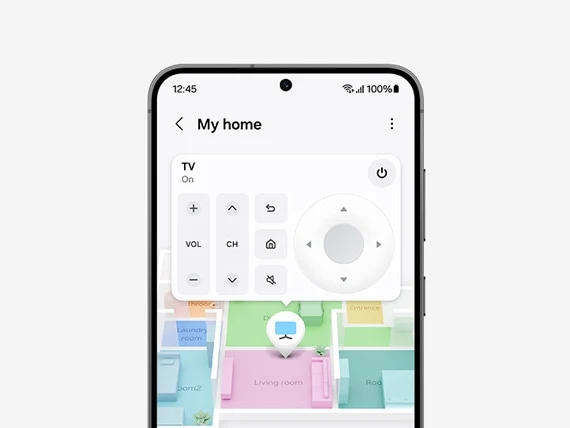
See which room needs attention
Map View places compatible devices on a floor plan. Tap the bedroom to check a light or look at the living room to see which devices are on. It’s especially helpful when several rooms have similar switches.

Samsung SmartThings
A hallway light that welcomes you after dark. Blinds and lamps that settle into place for a film. Lumiere Pacific plans the lighting, wiring and controls behind those routines, then helps you bring compatible devices together in Samsung SmartThings.
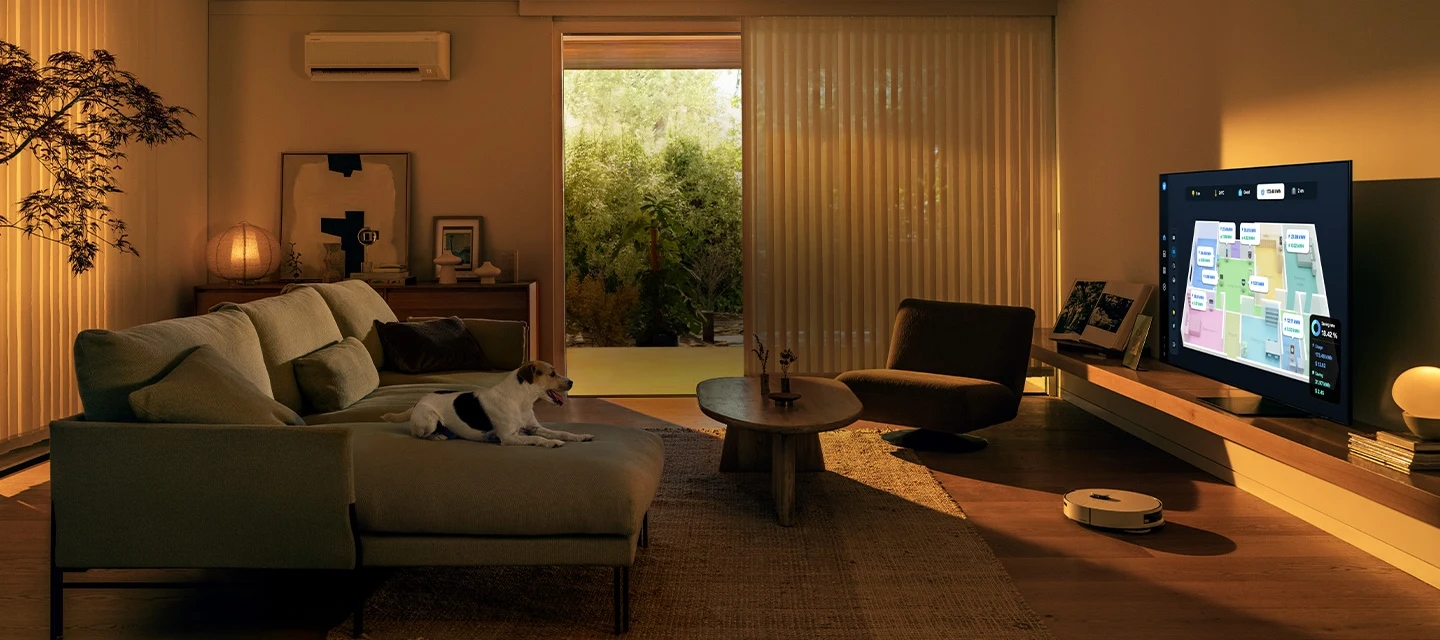
The app is your control panel. The hub stays at home and connects supported devices, including sensors and switches that use a different connection from your phone. Here’s what that makes possible.
Map View places compatible devices on a floor plan. Tap the bedroom to check a light or look at the living room to see which devices are on. It’s especially helpful when several rooms have similar switches.
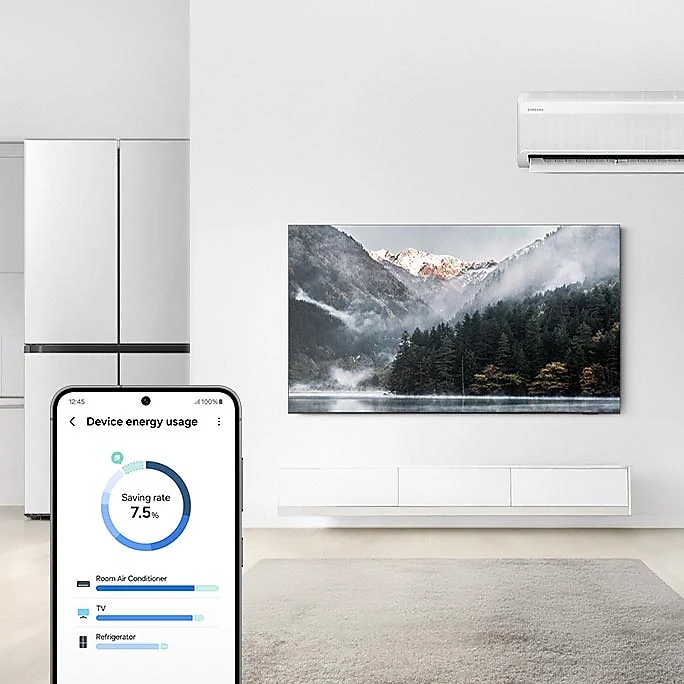
SmartThings Energy shows consumption reported by supported appliances. Compare usage over time to see where a change in your routine could help. Selected appliances also offer AI Energy Mode. Available readings and savings depend on the model and how you use it.
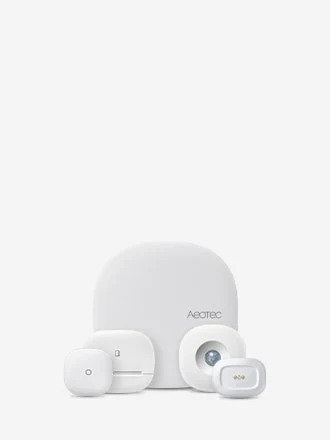
Pair a compatible leak sensor near the washing machine or a contact sensor at the entrance. Configure Home Monitor alerts so a detection prompts you to check that particular spot, even when you’re away.
Everyday routines
A routine links a trigger to one or more actions. Pick an example to see which devices you would need.
Smart home services in Singapore
Show us how you use the space. If you want the hallway to light up when you come home, we’ll work out which lights belong together, where the sensor should sit and how to keep the wall switch convenient for guests.
Discuss your floor plan ↗Choose the fittings to dim, the lamps to group and the controls you want at the door. We check the control method and model before specifying a scene.
Explore smart lighting ↗Plan the motor and power point around your window. We check the selected motor or bridge for SmartThings support before including it in a morning or privacy routine.
Explore motorised shades ↗Before walls and ceilings close, plan switch positions, power for curtain tracks and the circuits you want to control independently.
Plan electrical works ↗Send us the model numbers of the lights, switches and sensors you already own. We’ll check which can join your SmartThings setup, which need a bridge and where new controls would add something useful.
Yes, where the specific models support SmartThings. Check the manufacturer and model in Samsung’s compatible devices directory, then confirm the actions available in the app. On/off control, dimming and energy readings are separate capabilities.
Some hub-connected devices and eligible routines can run locally. A routine that depends on a cloud service or a remote command needs that connection. Test the particular actions you plan to rely on.
Invite household members to the same location in SmartThings using their Samsung accounts. Give rooms and devices familiar names so everyone can find the right lamp or run the same bedtime routine. SmartThings is available on Android and iOS.
Our compatible range
Start with a lamp you use every day, then decide which lights you’d like to control together. These two products from our Hue range play different roles in a connected lighting setup.
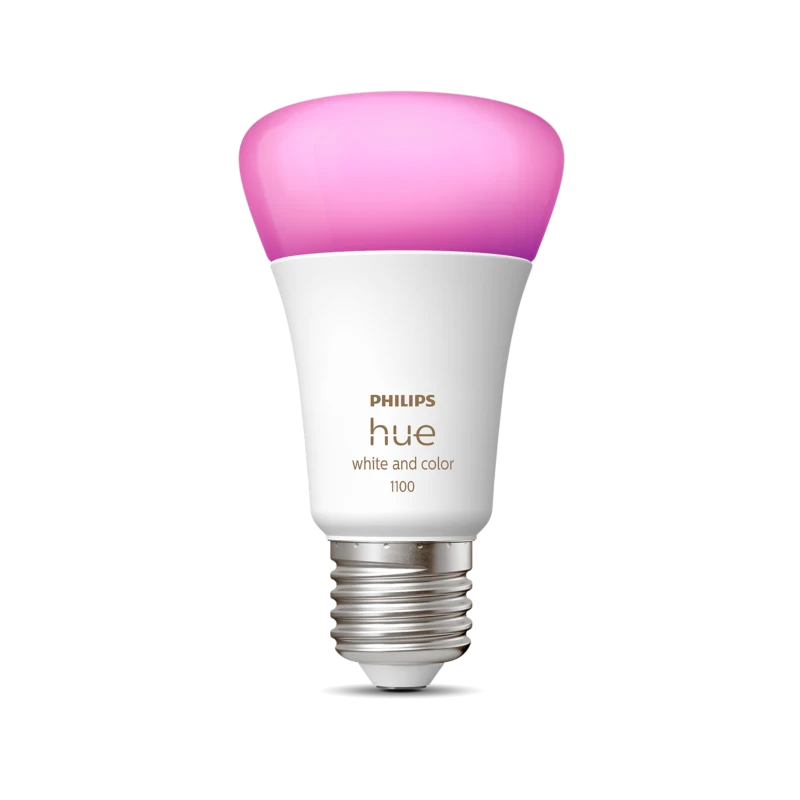
Fit a compatible E27 lamp with a Hue bulb to adjust brightness and colour. Add it to a SmartThings routine for warm evening light or a brighter welcome home.
Explore Philips Hue lighting ↗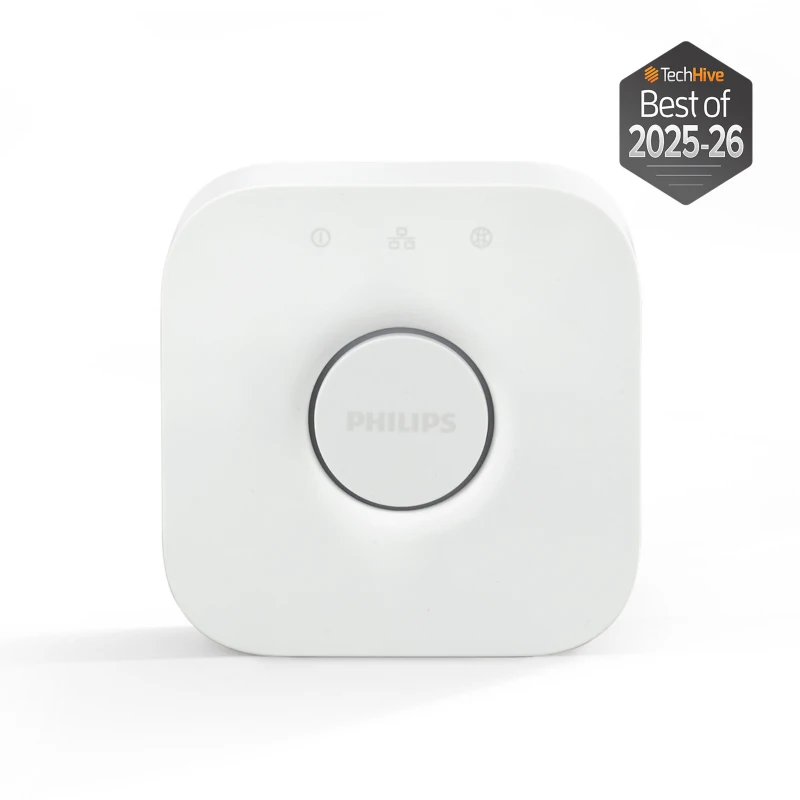
The bridge connects your Hue lights into one lighting system. Link that system to SmartThings so the lights can join routines with other compatible devices.
Enquire about a Hue setup ↗We’ll confirm the bulb fitting, bridge and local availability when we plan your installation. Philips Hue compatibility guide ↗
Share your floor plan, renovation timeline and the first room you’d like to connect. We’ll help you choose the lighting, controls and installation work that fit your home.
Discuss your setup ↗